Dinolingo Kids Learn Languages
- 3.4
- Rating
- 100.00K
- Installs
- Free
- Price

 Analysis by App-foxy
When a language-learning app is aimed at children, the real test is not whether it looks cheerful for five minutes. I want to know whether it can fit into an ordinary household, where a child may use a shared tablet, an adult may need to supervise briefly, and several people may have different expectations about screen time. Dinolingo Kids Learn Languages is an educational game from Dino Lingo that focuses on early language exposure, including Spanish and French. I found its child-friendly approach more approachable than a formal language course, although it also requires adults to set sensible boundaries around use and purchases.
The app is free to start, carries an Everyone age rating, and has passed the point where it feels like an untested newcomer: it has more than one hundred thousand installs, with a 3.4 average from roughly six hundred ratings. Those numbers suggest a real audience, but they also tell me to keep expectations realistic. This is best viewed as a playful introduction to vocabulary and listening, not as a complete replacement for conversation, schoolwork, or a structured course.
How it works in a shared household
I can easily imagine using it on a family tablet after breakfast or during a short quiet period in the afternoon. One child might practice a few words while a parent prepares lunch, then hand the device to a sibling. That kind of use suits the app better than expecting a child to sit through a long lesson. The game format lowers the barrier to starting, especially for children who resist worksheets or become discouraged by grammar-heavy material.
You May Also Like

 Blood Strike: 2.5 Anniversary
Blood Strike’s Loadouts Turn Every Drop Into a Tactical Gamble
A close look at Blood Strike’s custom loadouts: how fast access to signature weapons reshapes its battle royale rhythm, rewards preparation, and narrows the gap between fights.

 Pandora - Music & Podcasts
Pandora’s Music Is Easy to Start, but Harder to Recover
Pandora’s strength is its low-effort path from a seed to a station. Its weak spot is how much confidence it asks you to place in connection, setup, and quiet recovery.

 8 Ball Pool
8 Ball Pool Is Built on Rivalries, Rematches, and Routine
A close look at the rivalries, rematches, shared routines, and unanswered safety questions that turn a quick pool match into a persistent mobile community.

 Samsung Music
Samsung Music’s Quiet Strength Is Playing What You Already Own
Its reach comes less from spectacle than from dependable access to a personal library. That simplicity is both the app’s strongest retention engine and its ceiling.

 AccuWeather: Weather Radar
AccuWeather Review: A Quick, Clear Forecast for Everyday Decisions
For everyday plans, the best forecast is the one you can understand quickly. AccuWeather makes rain timing, radar, and local conditions easy to act on, with a few trade-offs.

 Hill Climb Racing
Why Hill Climb Racing Still Turns Crashes Into One More Run
A tiny car, a bumpy hill and one more upgrade: Hill Climb Racing keeps resurfacing because its simple chaos makes every near-miss feel personal.
More From Our News Desk
View All News


The strongest household benefit is its low-pressure entry point. A child can encounter a new language through visual prompts and game-like interaction rather than being asked to memorize a page of vocabulary. For a beginner, that matters. Early learning often depends on repeated, pleasant exposure, and a game can make returning to the same basic material feel less like homework.
Still, a shared device creates practical questions. If children take turns, I would not assume that each person’s progress, preferences, or learning path will remain perfectly separate unless the app clearly offers that option during setup. I would let each child use it with an adult nearby at first, paying attention to whether the experience distinguishes users or simply continues from the last session. That small check prevents one child from accidentally changing another child’s place.
For a household with one young learner, this is less complicated. For siblings, cousins, or a classroom tablet, I would treat it as a supervised activity rather than a fully independent multi-user system. The distinction is important: the app can be useful on a shared screen without automatically solving the organizational problems that come with several learners.
What I would do before handing over the tablet
I would install the game and explore the opening screens myself before giving it to a child. That lets me see how the language is selected, where lessons begin, and whether any account or purchase prompts appear during normal navigation. This is not about making the experience formal; it is simply good shared-device practice, particularly when children can tap quickly and move through menus without reading every label.
The free starting point makes a trial easier, but the app also includes in-app purchases ranging from about ten dollars to two hundred dollars per item. That is a wide range, so I would not leave a child alone with purchase-capable access. I would make the adult responsible for deciding whether the free material is enough and whether any paid option is appropriate. The child can choose activities; the adult should make the spending decision.
Because the minimum operating requirement is Android 8.0, I would check the tablet or phone before planning a family activity. Older devices may not be suitable, and a child’s frustration with an unavailable installation can easily be mistaken for frustration with learning. On a compatible device, I would also make sure the screen is charged and notifications are quiet, since interruptions undermine short practice sessions.
Account boundaries deserve the same attention. I would avoid casually mixing a child’s use with an adult’s personal app account, especially if the device is also used for shopping, email, or other sensitive tasks. The safest routine is simple: an adult handles installation and purchases, the child uses the learning area, and the device returns to its normal owner afterward. This keeps the app’s educational role clear without assuming that it provides family-management tools of its own.
Coordinating learning without turning it into homework
My preferred routine would be brief and predictable: choose one language, use the app for a short session, and then ask the child to recall a few words away from the screen. The final step is where the game becomes more useful. If a child sees a word in the app and later recognizes it on a label, in a book, or in a family conversation, the vocabulary gains a real-world anchor.
I would also avoid switching languages repeatedly just because several choices are available. A child who is beginning Spanish, for example, benefits more from returning to familiar vocabulary than from sampling Spanish, French, and other options in rapid succession. The app can open the door to multiple languages, but an adult still needs to provide direction. Too many choices can make a playful tool feel scattered.
A practical trick is to let the child demonstrate the activity to a parent or sibling. Instead of asking, “Did you finish your lesson?” I would ask, “Can you teach me one word you saw?” This changes the child from a passive screen user into a participant who has to retrieve and explain something. It also gives the adult a quick sense of whether the material is being understood or merely tapped through.
Another useful approach is to connect sessions to daily routines. A short practice before a meal can lead to naming foods, while a session before bedtime can focus on recalling a few words without reopening the app. I would not promise that every word will stick immediately. The value is in creating repeated contact with the language, then gradually attaching those words to objects and actions outside the game.
For two children at different levels, I would give them separate turns rather than asking the younger child to keep up with the older one. The older learner can explain a word afterward, but should not control the entire session. This preserves the beginner’s confidence and prevents the app from becoming another place where siblings compete.
Age context and the role of trust
The Everyone rating makes the game broadly suitable for a general audience, and its educational focus is clearly aimed at children. Even so, an age label cannot replace parental judgment. A very young child may need help understanding instructions, while an older child may find the material too basic. I would judge suitability by the child’s reading ability, attention span, and language goal rather than by the rating alone.
For preschool or early-primary learners, the playful presentation is likely to be more appealing than a traditional vocabulary app built around lists and written exercises. For a teenager preparing for an exam, however, I would choose something with explicit grammar explanations, writing practice, progress measurement, and a more advanced sequence. Dinolingo’s strength is approachability, not academic completeness.
Trust also matters on a shared device. I would explain to the child which parts they may explore and which decisions belong to an adult. That conversation is more effective than simply saying “do not tap that,” because it teaches the child why purchase screens and account settings are different from learning activities. If the child uses the tablet independently, I would still review the experience periodically rather than assuming that an age rating answers every household concern.
I would also be honest with children about what success means. Finishing an activity does not mean they can speak the language, and recognizing a picture is not the same as understanding a sentence in conversation. Framing the app as practice helps protect motivation. The child can feel proud of learning new words without being pressured to perform beyond the app’s level.
Where it stands beside familiar alternatives
Compared with flashcards, this game offers a more inviting starting point. Flashcards are flexible and inexpensive, but they depend heavily on an adult choosing words, correcting mistakes, and keeping the activity engaging. Dinolingo packages the first step in a format a child can approach more willingly. The trade-off is that physical cards can be customized around a family’s routines, while an app follows its own presentation.
Compared with a serious language course, the difference is even clearer. A course may provide a stronger sequence, explanations, writing tasks, and measurable progression. This game is better for exposure, repetition, and confidence at the beginning. I would use it alongside conversation, picture books, songs, or school lessons rather than asking it to carry the entire learning plan.
Compared with a general children’s game, its educational purpose is more obvious. The child is not simply filling time; the activity has a language-learning direction. Yet entertainment value alone is not enough to guarantee retention. An adult who occasionally revisits the words away from the screen will get more from it than a household that treats it as background noise.
The app’s version is 4.1.8, and the developer is Dino Lingo. Those details matter mainly when troubleshooting or checking compatibility, not because they change the learning method. I would keep the app updated through the normal device process, but I would not use the version number as a reason to expect advanced course features. The experience should be judged by how well it fits the child’s current stage.
Limitations I would consider before choosing it
The moderate rating is a useful reminder that this will not satisfy every family. Some children may want faster progression, more challenge, or a clearer sense of achievement. Others may lose interest if the activities feel repetitive. Repetition is valuable for language learning, but it needs to be balanced with real conversation and changing contexts so that practice does not become mechanical tapping.
The purchase range is another meaningful limitation for household planning. Free access is convenient for testing the idea, but adults should examine the available choices carefully before deciding whether to spend. I would never let a child make that decision alone, and I would avoid describing paid content as necessary until I had seen how well the free experience fits the child.
Shared-device use may also be awkward when several children need clearly separated progress. If the app does not match the family’s preferred account arrangement, a parent may need to coordinate turns manually. That is manageable for occasional practice, but it becomes tiring when the household expects detailed individual tracking. A dedicated learning platform with clearly separated learner profiles would be a better fit in that situation.
Finally, children who already speak at an intermediate level may outgrow the game quickly. I would choose it for a beginner or a young learner who needs positive first contact, not for someone seeking nuanced conversation, advanced grammar, or formal assessment. Its best role is a friendly first layer of language practice, not the whole learning journey.
My household verdict
I would recommend Dinolingo Kids Learn Languages to a family that wants an easy, child-oriented way to introduce Spanish, French, or another supported language and is willing to stay involved at the edges. The free entry point makes experimentation straightforward, and the Everyone rating suits its broad educational positioning. I especially like it for short sessions on a shared tablet, followed by a few minutes of talking about the words away from the screen.
I would skip it if the main goal is exam preparation, advanced fluency, detailed individual tracking for several learners, or completely hands-off use. In those cases, a structured course, teacher-led program, or a more specialized platform may be more appropriate. I would also skip casual installation on a child-accessible device until purchase and account boundaries are clear.
My final view is positive but measured. The game can make the first contact with a new language less intimidating, and that is a meaningful advantage for children who disengage from conventional study. Its results will depend on what happens around the screen: consistent routines, adult coordination, real objects, family conversation, and patience. Used that way, it becomes more than a colorful distraction. I see it as a practical shared-device tool for building early curiosity, provided an adult remains in charge of the household decisions.
FAQs for Dinolingo Kids Learn Languages
01What is Dinolingo Kids Learn Languages, and who is it designed for?
Dinolingo Kids Learn Languages is an educational app created to introduce children to foreign languages through animated lessons, games, songs, stories, flashcards, and interactive activities. It is mainly intended for young learners, including preschool and early elementary-age children, and can be useful for beginners with little or no previous language experience. Parents should check the supported age range and language options before downloading.
02Which languages can children learn with Dinolingo?
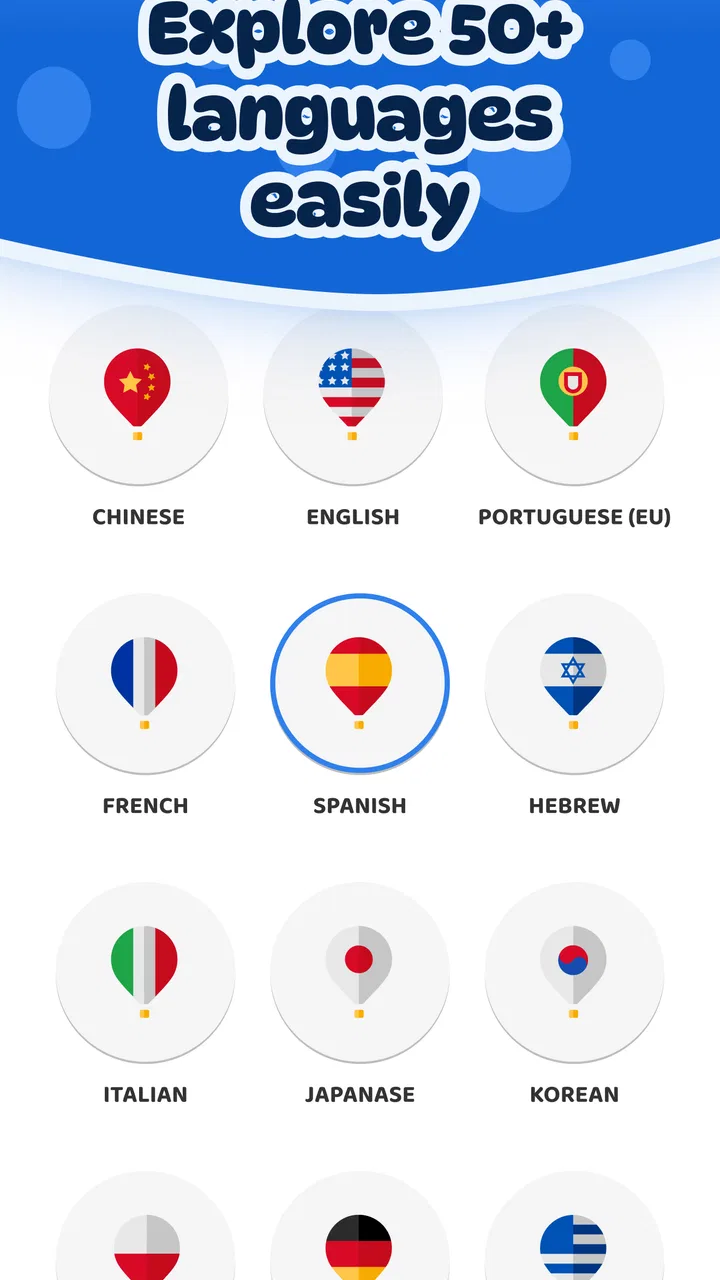
Dinolingo offers lessons in multiple languages, making it suitable for families raising bilingual children or introducing a new language at home. Available choices may include widely spoken languages such as Spanish, French, English, German, Chinese, Japanese, and others, depending on the current version and subscription plan. Because the catalog can change, parents should verify the exact language availability for their device and region before subscribing.
03Is Dinolingo Kids Learn Languages free to use?
The app may allow users to download it and try selected content without payment, but full access to lessons, activities, videos, and learning materials generally depends on a subscription or in-app purchase. Pricing, trial periods, renewal terms, and available plans can vary between Android and iOS. Parents should carefully review the payment screen, cancellation policy, and whether subscriptions renew automatically before starting a trial.
04Does Dinolingo work offline, and is an internet connection required?
Some Dinolingo content may be available for offline use after it has been downloaded, which can be helpful during travel or when children use the app away from Wi-Fi. However, an internet connection may still be needed for initial setup, account access, updates, subscription verification, or downloading new lessons. Offline availability can differ by activity and device, so it is best to test the required content before relying on it without internet.
05Is Dinolingo safe and effective for children learning a language?
Dinolingo is designed with child-friendly visuals, simple activities, and playful repetition to make early language practice more engaging. It can support vocabulary building, listening familiarity, and basic recognition, but it should not be considered a complete replacement for conversation, reading instruction, or guidance from a parent or teacher. Adults should review privacy settings, supervise younger children, and confirm that the app’s content and advertising policies suit their family.
Pros
- Fun dinosaur-themed lessons keep young learners engaged.
- Covers several languages in one child-friendly app.
- Includes songs
- games
- videos
- and printable learning materials.
- Progressive activities introduce vocabulary at a comfortable pace.
- Suitable for independent practice with simple
- visual instructions.
Cons
- Some content may feel repetitive for children who learn quickly.
- Full access requires a paid subscription or in-app purchase.
- Parents may need to guide younger children through navigation.
- Language depth is limited compared with advanced learning platforms.
- Requires internet access for many videos and interactive activities.

Dinolingo Kids Learn Languages
Gallery